
Your documents, search index and release models stay on this computer. After setup, document search and local answers need no internet connection.
LOCAL AI RESOURCE AWARENESS
See what local AI asks of your computer.
GI JI publishes the release settings and estimates that help you decide whether local-first work fits your machine. It does not turn a model size, a refused answer, or an offline session into an environmental score. Those would be different measurements, and GI JI does not have them.
WHERE THE WORK RUNS
Local by default, connected only by decision.
Resource use starts with the work path. Local search and writing use software and models on this computer. Connected AI is a separate, optional path with a visible approval boundary.
GI JI first shows the exact question or task and the selected passages or excerpts for one request. Nothing content-bearing is sent until you approve that request once.
Initial model downloads, licence activation, a website you ask GI JI to import, and an approved Connected request each contact their named destination for that job.
GI JI 0.13.0
Local AI system requirements, stated exactly.
The hard gates, recommendations and estimates are different kinds of information. This table keeps them separate instead of turning them into one reassuring but meaningless number.
Release factPublished valueWhat the value means
Release modelsbge-m3:latest for library search; qwen2.5:3b for answer writingThese names come from the packaged 0.13.0 release configuration, not from a generic model catalogue.
Free disk before setup6 GiB targetThe installer stops below 4.5 GiB and warns between 4.5 and 6 GiB. Your documents and any extra models need additional room.
Memory8 GiB recommendedThis is a recommendation, not a performance guarantee. The installer warns rather than claiming a pass when memory is lower or cannot be detected.
First model downloadAbout 4 GB for the two release modelsAn interrupted model download can resume. The exact total reported by Ollama may change with the model build.
Approximate first setup totalMac 4.2 GB · Windows 5.5 GB · Linux 5.4 GBThese estimates include Ollama when it is not already installed. Existing components reduce the download.
Installer targetsmacOS 14+ on Apple Silicon or Intel; Windows 10/11 (64-bit); Linux x86_64, compatibility checked during installGI JI 0.13.0 is a production release for macOS, Windows and Linux. Windows is available from the Microsoft Store or as a direct download.
VISIBLE IN THE PRODUCT
The model shelf uses the machine you actually have.
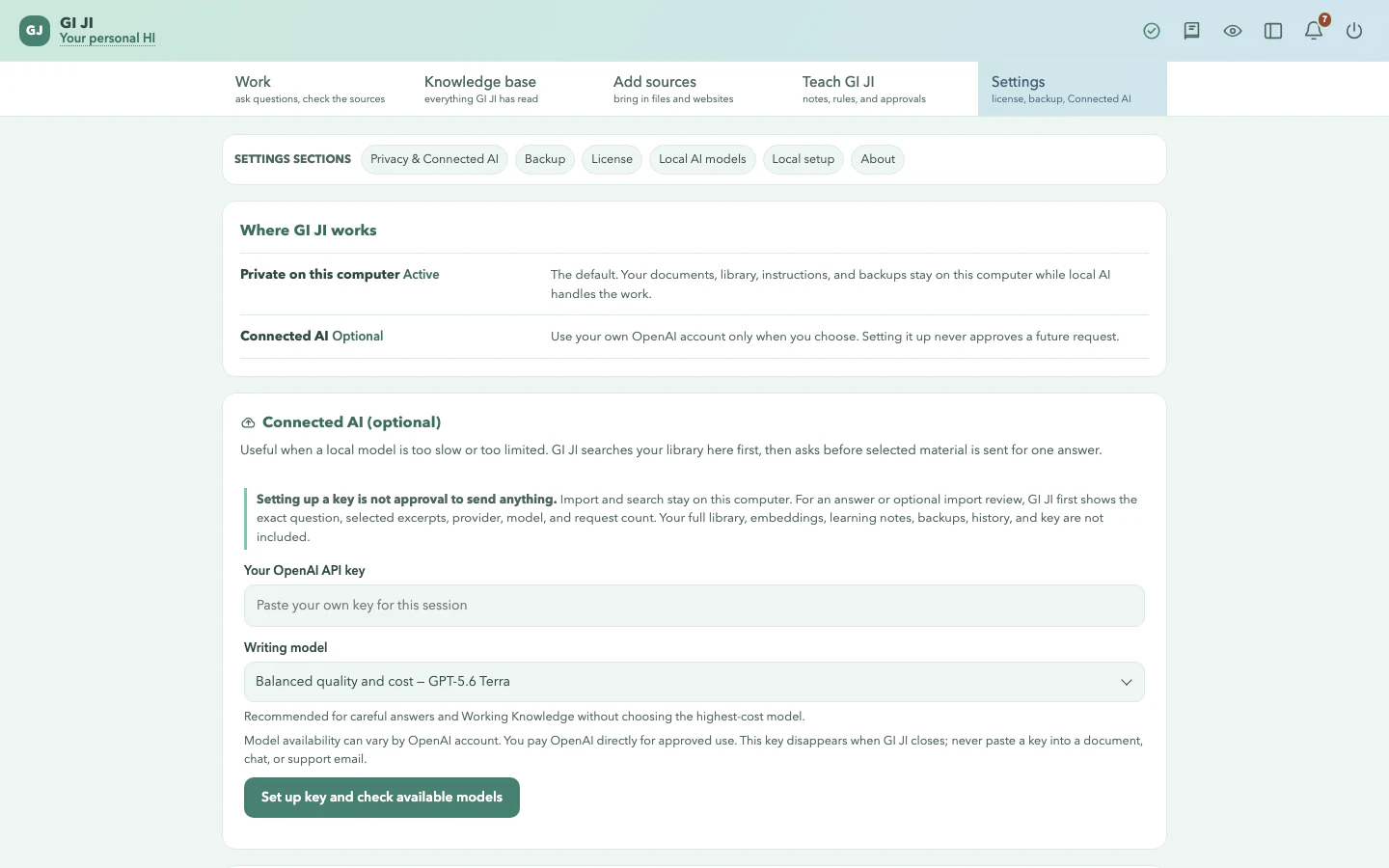
Settings lists the models Ollama reports as installed, their Ollama-reported model sizes and their effective roles. It also detects operating system, architecture and logical processor count. On macOS and Linux it can compare detected memory with the catalogue's approximate RAM need; when memory cannot be detected, fit stays unknown.
The fit label uses the first band when a model's estimated RAM need is no more than half of detected memory, a tighter-fit band up to three quarters, and warns above that. The spare room is deliberate: GI JI, its search index, the browser and the operating system still need memory. It remains an estimate, not a speed, temperature or stability guarantee. It evaluates one catalogue model at a time; it does not add the needs of other loaded models.
WHILE GI JI IS OPEN
Idle does not always mean no local work.
An import can leave deeper summaries or study tasks in a local queue. Every 45 seconds, GI JI checks whether the app is otherwise idle; if it is, one queued task may start. It appears as a normal, cancellable job. This is local processing, not a cloud sync.
Each local model request asks Ollama to keep that model warm for 30 minutes after use. When GI JI starts Ollama itself, it also sets a maximum of two loaded models and sets Ollama's parallel-request limit to 1. That can shorten repeat work, but memory may remain allocated while no answer is being written. If Ollama was already running, its own maximum-loaded and parallel-work settings remain in charge; GI JI still sends the per-request keep-warm request.
Turning GI JI off stops the app, its owned private search index, and an Ollama process that GI JI started. It does not stop an existing Ollama service owned by another application.
READ THE LABEL FIRST
Configured, reported, estimated, or unknown.
These four labels are the boundary for every resource statement on this page. None of them is a claim that local work is automatically better than remote work.
LabelWhat belongs hereWhat it does not prove
ConfiguredThe release model names and local-only service addresses. GI JI asks each local model request to keep that model warm for 30 minutes. When GI JI starts Ollama itself, it also sets Ollama's parallel-request limit to 1 and a maximum of two loaded models.No resource label proves lower environmental impact or a like-for-like advantage over a cloud service.
ReportedThe installer's operating-system, free-disk and memory checks; Ollama's installed and loaded model metadata; and GI JI's visible running jobs and queued background-task counts.No resource label proves lower environmental impact or a like-for-like advantage over a cloud service.
EstimatedDownload totals, setup time, catalogue RAM and disk needs, and model-fit labels. Fit is a conservative ratio, not a benchmark of your machine.No resource label proves lower environmental impact or a like-for-like advantage over a cloud service.
UnknownElectricity use, environmental impact, water use, hardware impact, and any comparison with a cloud service. GI JI does not measure or calculate them.No resource label proves lower environmental impact or a like-for-like advantage over a cloud service.